Production‑Ready Screenwriting with AI: Keep Your Voice, Fix the Formatting
AI writing tools are everywhere, but most professional screenwriters are rightly skeptical of “one‑click script generators.” What they actually need is software that respects their voice while handling the boring parts: formatting, consistency, and preparing scripts for production.
This article shows how to use AI inside a proper screenwriting editor to keep creative control, clean up your pages, and hand over scripts that producers and ADs can use immediately.
Why Fully AI‑Generated Scripts Don’t Work for Professionals
There is a big difference between brainstorming with AI and letting it write your script. Fully AI‑generated pages often lack a consistent voice, precise structure, and an understanding of budget, locations, and production realities.
Professional writers need tools that support:
A clear authorial voice and long‑term character arcs.
Control over structure, pacing, and theme.
Ownership of the underlying material and script files.
That is why most working writers use AI for assistance, not for authorship, especially when their scripts must survive development notes, breakdown, and scheduling.
The Role of an AI‑Enhanced Screenwriting Editor
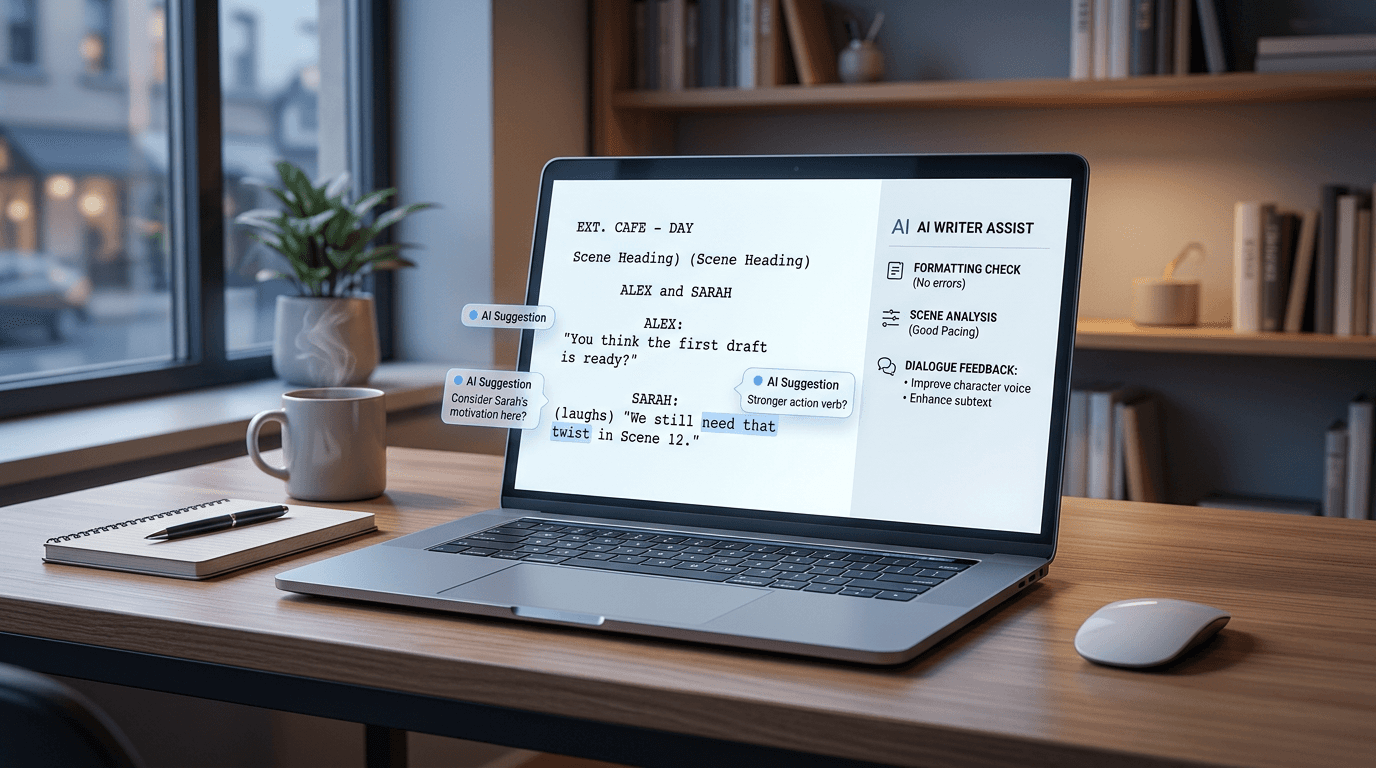
An AI‑enhanced screenwriting editor combines industry‑standard formatting (sluglines, character cues, dialogue, transitions) with built‑in AI assistance. Instead of bouncing between a generic chatbot and your script file, you work in one space where AI understands screenplay structure and context.
Key capabilities to look for include:
Format‑aware suggestions that respect sluglines, dialogue, parentheticals, and scene numbers.
Automatic checks for character and location consistency across the entire script.
Tools to clean up revisions, numbering, and scene headings before handoff to breakdown and scheduling.
This kind of editor lets you focus on story and character while the software quietly handles mechanical details that matter later for production.
Practical Ways Screenwriters Can Use AI (Without Losing Their Voice)
Used intentionally, AI can speed up the writing process without taking over the script. Here are practical use cases that map to a professional workflow:
Idea exploration: When you are stuck, ask AI for alternative scene beats, conflicts, or obstacles, then rewrite them in your own words instead of pasting them directly into the script.
Dialogue passes: Have AI propose 3–5 alternative line options in a single scene to sharpen intent, subtext, or compression, and then choose or adapt what fits your characters.
Tone alignment: Use AI to compare scenes and flag places where a character’s voice drifts or the tone suddenly shifts, then do your own rewrite.
Consistency checks: Run automated scans for inconsistent character names, locations, or time‑of‑day labels and fix them before the script reaches a producer.
By limiting AI to these targeted, supervised tasks, you speed up the work you already do while keeping creative choices firmly in your hands.
Making Your Script “Production‑Ready”
A script does not become “production‑ready” just because it is creatively finished. Once producers, ADs, and coordinators touch your pages, small formatting and consistency issues turn into real costs.Before you send your script into pre‑production, check that:
Scene headings (INT/EXT, location, time of day) follow a consistent pattern and are unambiguous.
Character names are standardized from first appearance and do not vary between scenes.
Complex sequences—stunts, crowds, heavy VFX—are described clearly enough that breakdown and scheduling tools can tag them correctly.
AI can help here by scanning your script against a set of production‑oriented rules and flagging the pages most likely to confuse breakdown or scheduling. That means fewer back‑and‑forth emails and a smoother transition from writing to prep.
How Screenwriting Connects to Breakdown, Budget, and Schedule
What you do on the page has a direct impact on breakdown, budget, and schedule. Clean, consistent scripts allow AI breakdown and scheduling tools to work accurately, while messy formatting forces teams to redo work manually.When your editor can:
Export cleanly into AI breakdown tools.
Preserve scene numbers and structure as changes are made.
Keep character and location lists aligned with breakdown categories.
… you help the entire production move faster—from your first draft to call sheets and day‑out‑of‑days.
A Simple Workflow to Try on Your Current Script
To see the impact of AI‑assisted, production‑aware screenwriting, try this on a script you are already working on:
Import the script into an industry‑standard editor with AI features.
Run a formatting and consistency check focused on scene headings, character names, and locations.
Use AI to suggest alternative dialogue or beats in 1–2 problem scenes, then rewrite in your own voice.
Export a version ready for AI breakdown and compare how many issues the production team has to correct versus your earlier drafts.
You will quickly see where AI genuinely saves time and where your own judgment is still irreplaceable.
Try an Industry‑Standard Screenwriting Editor With AI Built In
If your current setup is a generic word processor plus a separate AI chatbot, you are working harder than you need to. Moving to an industry‑standard screenwriting environment with an integrated AI co‑pilot gives you the best of both worlds: professional formatting and intelligent assistance in one place.